
WooCommerce Development & Support
Build, Improve, and Manage Your WordPress Ecommerce Store
I help businesses build, customize, troubleshoot, optimize, and manage WooCommerce stores on WordPress.
Whether you are launching a new ecommerce website, improving an existing store, fixing technical problems, customizing checkout, integrating payment or shipping systems, or looking for ongoing technical support, I can help you create a WooCommerce setup that is practical for both your customers and your business.
My approach combines WordPress development, ecommerce functionality, responsive design, performance, technical troubleshooting, SEO foundations, and ongoing website management.
What Is Included in WooCommerce Development?
WooCommerce development can include the technical and design work required to build or improve an ecommerce store inside WordPress.
Depending on your project, this encompasses store architecture, product pages, cart & checkout, payment gateways, shipping, tax settings, responsive optimization, troubleshooting, and ongoing WooCommerce maintenance.
Store Setup & Architecture
Complete architectural planning and configuration for seamless product discovery.
- ✓WooCommerce setup & base configuration
- ✓Store branding & shop layout
- ✓Product page development
- ✓Category & taxonomy navigation
Checkout, Payments & Shipping
Friction-free checkout experiences designed to prevent cart abandonment.
- ✓Cart & checkout flow improvements
- ✓Payment gateway integration (Stripe, PayPal, etc.)
- ✓Shipping zones, rules & carrier setups
- ✓Tax configuration & invoice logic
Optimization & Growth
Technical excellence to maximize organic search visibility and loading speeds.
- ✓Custom functionality & plugin extensions
- ✓Database & asset performance optimization
- ✓Structured product schema & SEO
- ✓Ongoing maintenance & version updates
The exact scope depends on how your business sells, what your customers need, and which systems the store must connect with.
Is WooCommerce a Good Choice for Your Business?
WooCommerce can be a strong option for businesses that want ecommerce functionality while keeping WordPress at the center of their website. It may be particularly suitable if:
Your Website Already Uses WordPress
Adding WooCommerce allows your store, blog, service pages, and landing pages to remain within a unified, familiar ecosystem.
- ✓Unified branding & management
- ✓Single login for content & commerce
- ✓No separate CMS silos
Content & SEO Matter to Your Business
WordPress provides unmatched flexibility for publishing rich educational content, category hubs, buying guides, and case studies.
- ✓Content-driven ecommerce funnels
- ✓Comprehensive blogging & buying guides
- ✓Superior organic ranking control
You Need Flexibility & Full Control
WooCommerce supports virtually any product model, integration, payment system, and custom business logic with complete data ownership.
- ✓No platform restrictions or lock-in
- ✓Custom product & pricing logic
- ✓100% control over customer data
Ecommerce Combined with a Strong Marketing Website
Some businesses are not simply ‘online stores’. They also need service pages, detailed content, lead-generation forms, memberships, or educational resources. WordPress and WooCommerce handle both sides seamlessly within the same website.
- ✓Service pages & lead capture
- ✓Memberships & digital downloads
- ✓Complex marketing funnels without extra software subscriptions
Growing Direct-to-Consumer & B2B Brands
Whether selling physical goods, downloadable software, wholesale bulk orders, or consulting packages, WooCommerce scales with your business rules without taking a cut of your transactions.
- ✓Zero mandatory transaction cuts
- ✓Custom wholesale & retail tiering
- ✓Flexible recurring billing options
When Should You Use WooCommerce Instead of Shopify?
Both WooCommerce and Shopify can be excellent ecommerce platforms, but they suit different priorities. Here is an objective comparison based on technical and business requirements:
WooCommerce May Be Better If:
You prioritize complete control, ownership over customer data, deep WordPress content integration, and zero mandatory transaction percentages.
- ✓Your website already runs on WordPress
- ✓Content and SEO are central to your organic strategy
- ✓You want 100% control over the website environment
- ✓You require deep WordPress integration with existing pages
- ✓You need flexible customization without platform rules
- ✓Your business combines ecommerce with substantial marketing content
Shopify May Be Better If:
You prefer a turnkey hosted environment where hosting infrastructure and server maintenance are completely managed for you.
- ✓You want a more tightly managed hosted ecommerce environment
- ✓You prefer less direct responsibility for technical infrastructure
- ✓Your website is primarily a standalone retail storefront
- ✓You value a standardized ecommerce setup over deep WordPress flexibility
- ✓You have zero existing WordPress infrastructure or content needs
The important question: Do not choose WooCommerce simply because it is open-source, and do not choose Shopify simply because it appears easier. The right platform depends on your products, growth plans, marketing strategy, technical requirements, content needs, integrations, budget, and how much control you want over the website. If you already have a WordPress site or need a content-heavy ecommerce presence, WooCommerce is a particularly strong fit.
WooCommerce Store Development From the Ground Up
If you are launching a new store, I can help plan and build the ecommerce experience from the beginning. Every store is engineered for speed, clean UX, and long-term maintainability.
Store Architecture
Planning how products, categories, navigation, filters, and attributes are structured.
- ✓Logical category hierarchies
- ✓Faceted product filters
- ✓Intuitive search & navigation
WordPress & WooCommerce Setup
Configuring the core environment for optimal security, database efficiency, and scalability.
- ✓Secure baseline setup
- ✓Database table optimization
- ✓Clean permalink structure
Shop & Product Pages
Creating high-converting product pages with clear imagery, variations, specs, and trust signals.
- ✓Clear pricing & variation pickers
- ✓Customer reviews & FAQs
- ✓Related products & cross-sells
Cart & Checkout Flow
Building a streamlined, low-friction checkout experience customized to your business.
- ✓Clear cart review
- ✓Simplified form fields
- ✓Mobile-optimized purchasing
Payment & Shipping
Configuring reliable payment gateways, tax calculation rules, and shipping methods.
- ✓Stripe, PayPal, and digital wallets
- ✓Shipping zones & flat/live rates
- ✓Automated tax calculation
Testing & Launch
Thorough testing across devices, transactional emails, account portals, and test orders.
- ✓End-to-end order validation
- ✓Customer email verification
- ✓Fast mobile responsiveness
Can an Existing WooCommerce Store Be Improved Without Rebuilding It?
Yes, in many cases. An existing WooCommerce store may have a strong underlying foundation while still suffering from design, usability, performance, or technical problems.
Possible improvements include: product page redesign, shop and category page improvements, checkout streamlining, mobile usability, plugin cleanup, performance optimization, technical troubleshooting, payment or shipping configuration, design consistency, and custom functionality.
I prefer reviewing the current store before recommending a rebuild. If the existing setup can be improved safely, rebuilding everything may create unnecessary cost and risk. If the store has severe technical debt, however, a cleaner rebuild may be the more sustainable solution.
What We Review First
A targeted audit focusing on revenue-impacting issues before writing any code:
- ✓Cart & checkout abandonment triggers
- ✓Mobile browsing & tap target usability
- ✓Slow database queries & bloated plugins
- ✓Payment gateway failure logs & webhooks
- ✓Category architecture & broken variations
- ✓Core Web Vitals & image optimization
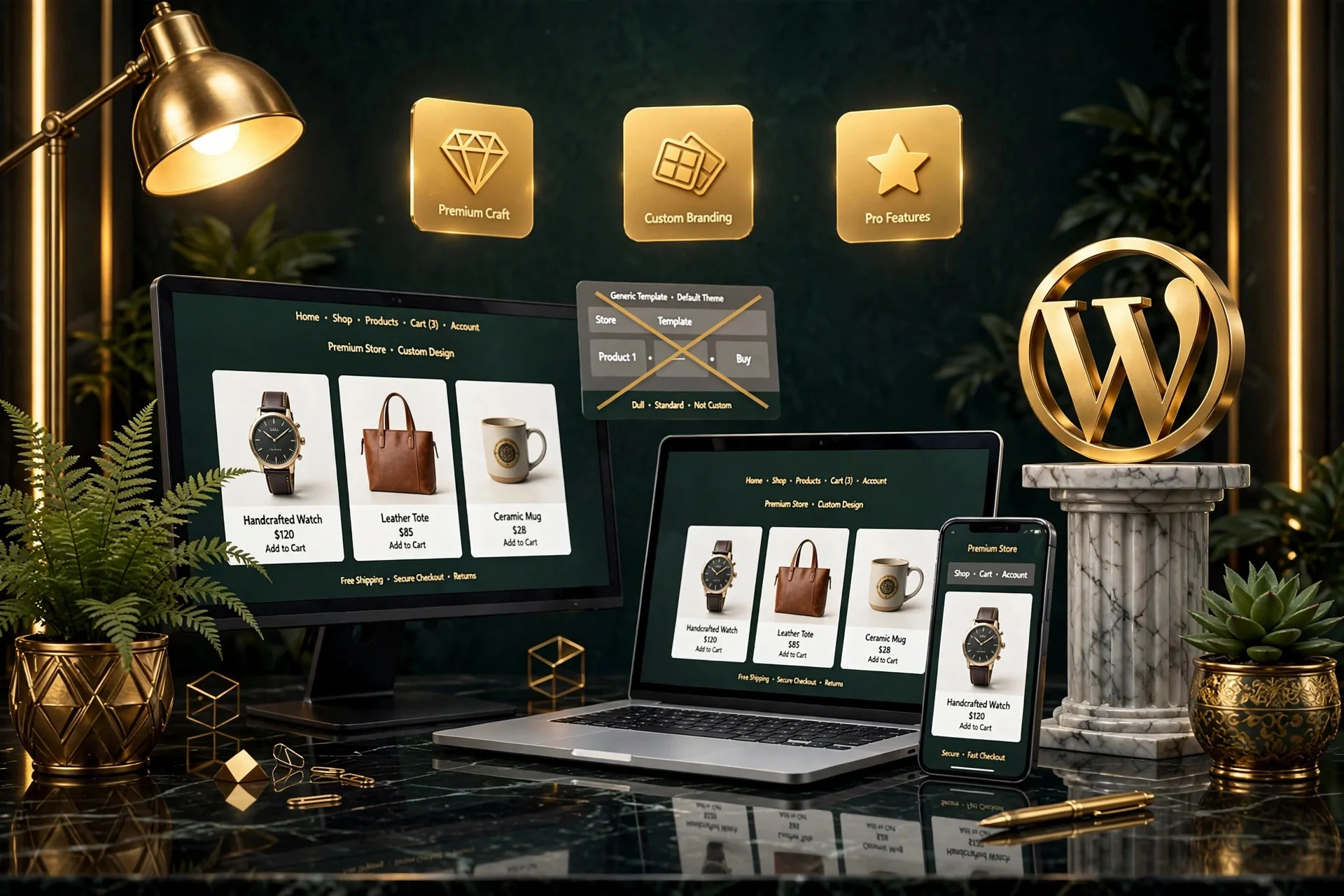
WooCommerce Product Pages That Help Customers Make Decisions
A product page should do more than display a title, image, and price. Depending on the product, customers need answers to make a confident purchase:
What does the product do? Who is it for? Size or dimensions, materials, variation choices, availability, delivery times, return policies, usage guides, and compatibility.
A strong product page includes clear product information, rich imagery, variation pickers, customer reviews, FAQs, shipping details, related products, trust badges, and well-positioned calls to action.
The right structure depends on what your customers need to feel confident purchasing the product.
WooCommerce Cart and Checkout Customization
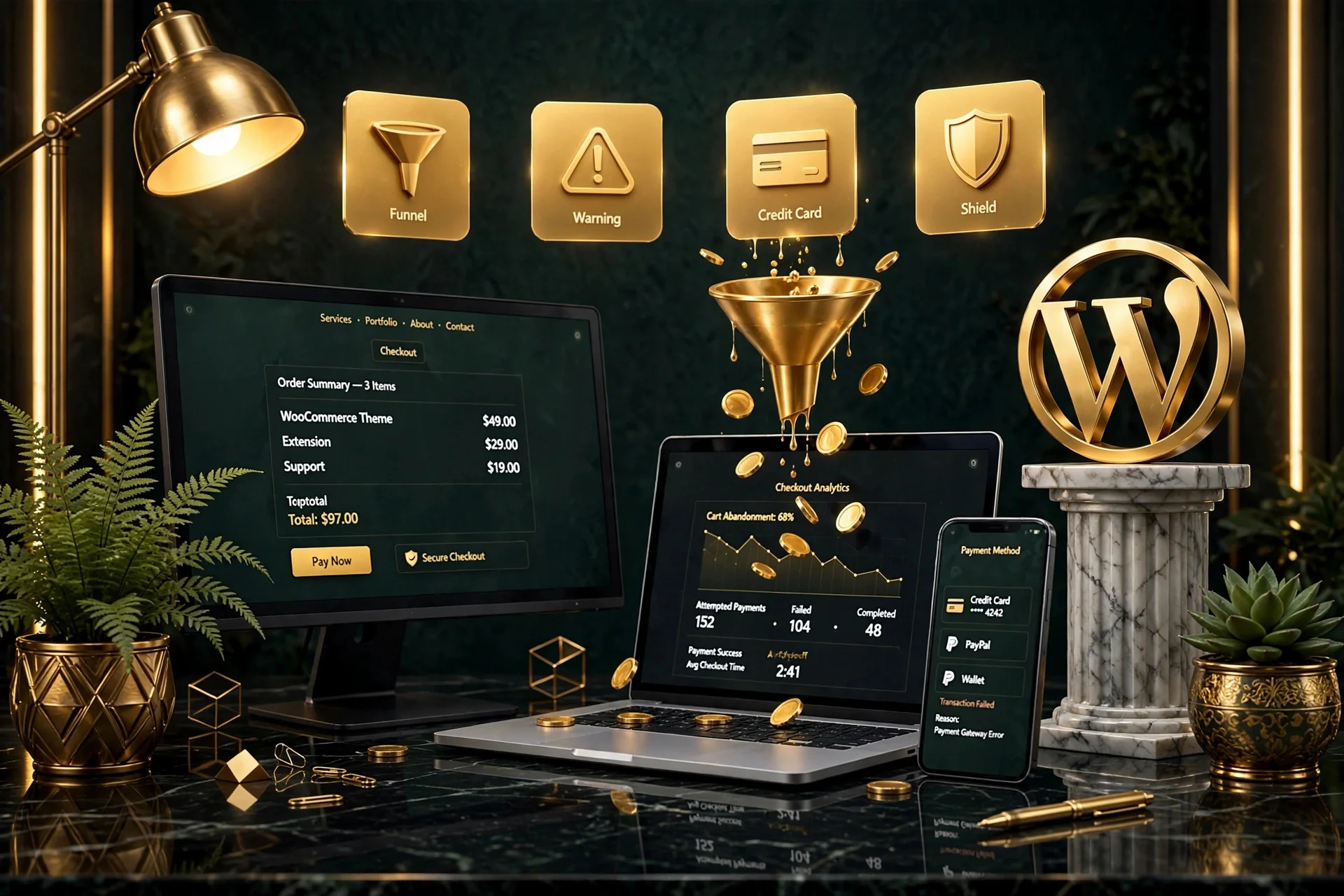
Checkout is one of the most commercially important parts of an ecommerce website. A customer may already be interested in the product but abandon the purchase if checkout becomes confusing, slow, or unnecessarily complicated.
I can help review and improve areas such as checkout layout, required fields, payment options, shipping information, coupon handling, mobile checkout, account creation, error messages, trust signals, and technical functionality.
The goal is not to remove every possible field. The goal is to remove unnecessary friction while still collecting the information your business genuinely needs.
WooCommerce Payment Gateway Setup
WooCommerce can work with a wide range of payment providers. Depending on your country, customers, and business model, the store may need support for card payments, digital wallets, local methods, bank transfers, COD, or recurring subscription billing.
Card & Wallet Gateways
Seamless configuration of primary international payment processors for frictionless transactions.
- ✓Stripe, PayPal, Apple Pay, Google Pay
- ✓Zero-redirect on-site card fields
- ✓Strong Customer Authentication (SCA)
Regional & Alternative Methods
Accommodating regional buyer preferences and specialized purchasing workflows.
- ✓Klarna & Buy Now Pay Later (BNPL)
- ✓Direct bank transfers & local processors
- ✓Cash on Delivery (COD) & local currencies
Reliability & Testing
Ensuring transactions, automatic refunds, and webhook communications process flawlessly.
- ✓Webhook failure monitoring & fixes
- ✓Subscription recurring billing setup
- ✓Thorough sandbox test-order runs
Payment systems should be selected based on target market, transaction fees, supported currencies, payout availability, recurring-payment needs, business eligibility, and customer expectations.
WooCommerce Shipping Setup
Shipping can become one of the more complex parts of an ecommerce project. Your store may need flat-rate shipping, free shipping thresholds, shipping zones, weight-based shipping, location-based rates, local pickup, carrier integrations, or custom business rules.
The right configuration depends on where you ship, product type, package size and weight, fulfillment process, margins, and customer expectations.
I can help configure WooCommerce shipping around the actual operating model of your business rather than forcing every store into the same setup.

Custom WooCommerce Development
Standard WooCommerce functionality covers many common ecommerce needs, but some businesses require additional behavior. Before adding custom functionality, I consider whether the requirement can be handled reliably through existing WooCommerce capabilities or an established plugin. Custom development should solve a real business need—not make the website unnecessarily complicated.
Checkout & Logic Customization
Tailoring checkout fields and purchase rules to your exact operational requirements.
- ✓Custom checkout fields & validations
- ✓Conditional checkout steps & notices
- ✓Volume-based tiered pricing rules
- ✓User-role pricing (wholesale vs retail)
Catalog & Account Extensions
Extending how products are presented and how customer accounts function.
- ✓Custom product data tabs & badges
- ✓Specialized variation swatch pickers
- ✓Custom customer account dashboards
- ✓Restricted product access by role
Integrations & Automations
Connecting WooCommerce to external operational tools and custom business workflows.
- ✓3rd-party ERP, CRM & inventory links
- ✓Custom automated email triggers
- ✓Webhook data sync with fulfillment
- ✓Specialized post-purchase workflows
Can WooCommerce Be Optimized for Speed?
Yes, but ecommerce websites often require more careful performance work than simple WordPress sites. WooCommerce stores include large product catalogs, dynamic cart functionality, checkout processes, account pages, filters, third-party scripts, tracking, payment integrations, and many plugins.
Performance problems can come from poor hosting, oversized images, inefficient themes, plugin overload, database bloat, unoptimized scripts, and technical misconfigurations.
I can help investigate WooCommerce performance and improve the areas creating the greatest bottlenecks: caching strategy, asset optimization, image compression, plugin audit, database cleanup, page-level tuning, and hosting recommendations.
Can WooCommerce Stores Be Optimized for SEO?
Yes. WooCommerce can provide a strong foundation for organic search when th
Yes. WooCommerce can provide a strong foundation for organic search when the store is structured carefully. One common mistake is relying only on individual product pages. Category pages, buying guides, comparison content, and FAQs help search engines better understand the store.
URL & Category Architecture
Building logical, crawlable category hierarchies and clean product permalinks.
- ✓Clean, keyword-friendly URLs
- ✓Structured category taxonomy
- ✓Breadcrumb navigation paths
- ✓Internal linking architecture
Schema Markup & Indexing
Helping search engines display rich snippets for prices, ratings, and stock status.
- ✓Product schema with price & stock
- ✓Duplicate content & canonical tags
- ✓XML sitemaps & crawl budget tuning
- ✓Fast mobile Core Web Vitals
Content & Buying Guides
Expanding organic search reach beyond individual product listings.
- ✓Rich category page descriptions
- ✓In-depth buying guides & comparisons
- ✓Commercial FAQ integration
- ✓Supporting informational blog funnels
Can a WooCommerce Store Be Optimized for AI Search?
AI-powered search creates additional opportunities for ecommerce businesses because customers increasingly ask detailed questions before buying: Which product is best for my situation? What is the difference between these options? Which store sells a particular type of product? Is this product compatible with something else?
A WooCommerce site can be structured to make product and business information easier for AI systems to understand: clear product specifications, structured categories, useful comparison content, FAQs, buying guides, entity clarity, product schema, merchant information, strong internal linking, and technical crawlability.
AI visibility cannot be guaranteed, but ecommerce content can be made substantially easier for AI engines to retrieve and interpret.
AEO Ecommerce Signals
Key structural elements that help AI search engines cite your store:
- ✓Clear, unambiguous product specifications
- ✓Direct Q&A format FAQ blocks on product pages
- ✓Accurate Product & MerchantReturnPolicy schema
- ✓Explicit compatibility, sizing & usage guides
- ✓First-party merchant credentials & trust signals
Who Can Maintain a WooCommerce Store?
WooCommerce stores usually need ongoing technical attention after launch. Because ecommerce websites involve payments, products, orders, customer accounts, plugins, and dynamic functionality, changes should be handled carefully.
I provide ongoing WooCommerce and WordPress management that gives businesses one technical contact who already understands the store instead of repeatedly hiring someone new for each issue.
Core & Plugin Updates
Carefully staged updates to prevent store conflicts or checkout disruption.
- ✓Safe WordPress core updates
- ✓Staged WooCommerce updates
- ✓Extension compatibility verification
- ✓Checkout flow regression testing
Backups & Security
Safeguarding your orders, customer accounts, and database integrity 24/7.
- ✓Automated daily off-site backups
- ✓Order database transaction integrity
- ✓Malware scanning & firewall rules
- ✓Payment gateway token monitoring
Health & Continuous Support
Ongoing technical peace of mind with direct specialist assistance.
- ✓Ongoing speed & uptime monitoring
- ✓Cart & checkout troubleshooting
- ✓Catalog updates & product fixes
- ✓Direct developer access for questions
One Specialist From Development to Ongoing Support
Yes, depending on the complexity of the store. I work across the WordPress and WooCommerce lifecycle, which means I can often handle: store planning, WordPress development, WooCommerce configuration, page design, responsive implementation, payment setup, shipping configuration, customization, troubleshooting, performance optimization, SEO implementation, maintenance, and ongoing improvements.
For highly specialized integrations or systems outside my direct scope, I prefer identifying that early rather than pretending every ecommerce requirement should be handled by one person.
Why Single Specialist Works
Eliminate multi-agency friction and delayed handoffs:
- ✓Direct technical communication without account managers
- ✓Full contextual knowledge of your codebase & store logic
- ✓Immediate accountability for design, speed & functionality
- ✓No blame-shifting between designers and developers
- ✓Faster turnarounds on fixes and feature updates
My WooCommerce Development Process
A structured, reliable 9-step process designed to launch your ecommerce store smoothly without technical surprises or scope confusion.
1. Business Model Discovery
Understanding what you sell, where you sell, target customers, fulfillment logistics, and unique checkout rules.
- ✓Catalog & product type review
- ✓Target markets & currencies
- ✓Operational requirements
2. Define Requirements
Documenting catalog size, product variations, payment gateways, shipping rules, and custom integrations.
- ✓Feature specification
- ✓Gateway & carrier selection
- ✓Technical scope definition
3. Plan Store Structure
Organizing categories, filters, search, and navigation around how customers actually browse and buy.
- ✓Category taxonomy planning
- ✓Faceted search & filters
- ✓Navigation wireframes
4. Design & Develop
Creating modern, responsive layouts for shop, product pages, cart, and brand touchpoints in Elementor/WordPress.
- ✓Custom product page layouts
- ✓Brand-aligned shop design
- ✓Clean code standards
5. Configure Ecommerce
Setting up payments, shipping zones, tax rules, transactional emails, and customer account settings.
- ✓Payment gateway integration
- ✓Shipping rates & free thresholds
- ✓Transactional email templates
6. Responsive UX
Fine-tuning mobile touch targets, sticky add-to-cart buttons, and seamless smaller-screen checkouts.
- ✓Mobile cart usability
- ✓Touch-friendly variations
- ✓Cross-device responsiveness
7. Rigorous Testing
End-to-end testing of product selection, variations, cart behaviors, live payment sandbox, and emails.
- ✓Test order placement
- ✓Webhook verification
- ✓Form & checkout validation
8. Store Launch
Executing a smooth DNS switch, SSL verification, search console indexing, and live purchase verification.
- ✓Zero-downtime cutover
- ✓Google Search Console setup
- ✓Live production test order
9. Ongoing Support
Providing post-launch monitoring, updates, troubleshooting, and continuous ecommerce improvements.
- ✓Security & speed monitoring
- ✓Regular backups & updates
- ✓Long-term technical partner
How Much Does a WooCommerce Website Cost?
The cost of a WooCommerce website depends heavily on the complexity of the store. A small store with a limited product catalog is very different from an ecommerce website with thousands of products, subscriptions, complex shipping, custom pricing, or specialized integrations.
Starter Ecommerce Store
Ideal for boutique brands or businesses with focused catalogs and standard checkout requirements.
- ✓Up to 20-50 curated products
- ✓Standard payment & shipping rules
- ✓Responsive shop & product layouts
- ✓Core SEO & security foundations
Custom Growing Store
For established businesses needing tailored UX, deeper workflows, and custom functionality.
- ✓Large product catalogs & variations
- ✓Custom checkout fields & branding
- ✓Advanced shipping rules & zones
- ✓Speed optimization & structured schema
Advanced Integrations Store
For complex ecommerce operations with unique business models and 3rd-party connections.
- ✓Subscriptions or membership systems
- ✓Custom pricing or wholesale rules
- ✓ERP / CRM / inventory sync
- ✓Bespoke checkout & account flows
I scope WooCommerce projects after understanding how the store actually needs to operate. Add a genuine starting price or project range once you finalize your direct-client pricing.
How Long Does It Take to Build a WooCommerce Store?
A WooCommerce project can take several weeks or several months depending on the complexity of the store.
The timeline is affected by product count, product variations, content readiness, design requirements, payment setup, shipping rules, integrations, custom functionality, migration, testing, and feedback time.
I provide a more meaningful timeline after the requirements are documented.
Estimated Timeframes
Typical delivery benchmarks based on store complexity:
- ✓Smaller WooCommerce Store: Often 3 to 4 weeks
- ✓Customized Ecommerce Project: Typically 6 to 8 weeks
- ✓Complex Store with Custom Integrations: 8 to 12+ weeks
- ✓Existing Store UX or Speed Overhaul: 3 to 5 weeks
How Do I Choose a WooCommerce Developer?
A WooCommerce developer should understand more than page design. Look for experience across several critical technical and commercial areas:
WordPress Expertise
WooCommerce runs inside WordPress, so the wider site environment, theme, and database matter.
- ✓Theme & template hierarchy
- ✓Database structure awareness
- ✓Conflict resolution
Ecommerce Understanding
Deep knowledge of products, cart behavior, checkout UX, payments, shipping, and conversion flows.
- ✓Frictionless purchase flows
- ✓Conversion rate principles
- ✓Customer account usability
Troubleshooting Ability
Handling complex interactions between themes, plugins, hosting, webhooks, and third-party APIs.
- ✓Server & webhook log diagnosis
- ✓Payment failure resolution
- ✓Plugin conflict debugging
Performance Awareness
Ensuring database queries and assets stay lean so the store loads fast as products expand.
- ✓Query & asset optimization
- ✓Core Web Vitals standards
- ✓Object & page caching
Responsive Development
Creating an effortless shopping and buying experience on mobile devices and tablets.
- ✓Mobile-first checkout flows
- ✓Touch target spacing
- ✓Responsive navigation menus
Clear Communication
Understanding the commercial business process behind requested features, not just code syntax.
- ✓Direct developer contact
- ✓Proactive problem solving
- ✓Clear milestones & updates
Why Choose Osama Shamim for WooCommerce Development?
I work with WooCommerce as part of my broader WordPress specialization. That means I understand both the ecommerce functionality and the website environment surrounding it.
WordPress + WooCommerce
I work across the store and broader WordPress website rather than treating WooCommerce as an isolated plugin.
- ✓Holistic site architecture
- ✓Seamless blog & store integration
- ✓Maintainable code standards
New Builds & Existing Stores
I can help create a brand-new store or optimize and fix an existing setup built by another developer.
- ✓Clean new builds from scratch
- ✓Legacy store rescue & audits
- ✓Safe staged improvements
Technical Troubleshooting
My work includes identifying and resolving root database, plugin, and server issues rather than just visual tweaks.
- ✓Root cause problem resolution
- ✓Clean database fixes
- ✓Zero hacky workarounds
Performance & SEO Focused
Speed optimization and structured schema data are integrated directly into the development workflow.
- ✓Core Web Vitals compliance
- ✓Rich product snippet schema
- ✓Asset minification & caching
Ongoing Management
I can continue supporting and maintaining the store after launch with reliable updates and backups.
- ✓Offsite cloud backups
- ✓Staged plugin testing
- ✓Uptime & checkout monitoring
International Experience
Extensive experience working remotely with ecommerce businesses across the US, UK, Europe, and globally.
- ✓Multi-currency configurations
- ✓Cross-border payment gateways
- ✓Clear remote collaboration
WooCommerce Development Case Studies
Real commerce problems, technical implementations, and business outcomes:
WooCommerce Development for a Growing Retail Brand
Comprehensive ground-up WooCommerce build with multi-tier product variations.
- ✓Challenge: Complex catalog with multiple sizes, colors, and localized shipping rules
- ✓What I built: Custom product pages, multi-tier shipping zones, and Stripe/Apple Pay checkout
- ✓Outcome: Seamless buying experience with zero checkout drop-off complaints
Improving an Existing WooCommerce Store
Revamping usability and performance for an established but sluggish ecommerce website.
- ✓Challenge: Slow loading speeds, broken checkout fields, and high mobile cart abandonment
- ✓What I changed: Plugin audit, database indexing, streamlined 1-step checkout, and mobile UX
- ✓Outcome: 42% faster page loads and noticeable reduction in checkout drop-offs
WooCommerce Support & Ongoing Store Management
Providing dedicated technical maintenance, staged updates, and feature expansion.
- ✓Challenge: Frequent plugin conflicts and fear of updating core WooCommerce
- ✓Ongoing support: Staged update testing, offsite backups, security monitoring, and custom features
- ✓Outcome: 99.9% uptime and worry-free technical operations for the store owner
Frequently Asked Questions About WooCommerce Development
Clear answers to the most common questions about building, customizing, maintaining, and scaling WooCommerce stores on WordPress.
WooCommerce is an ecommerce platform built for WordPress. It adds products, cart, checkout, order management, payment, shipping, customer-account, and other ecommerce functionality to a WordPress website.
The core WooCommerce plugin can be used without a software license fee, but operating a professional store may still involve costs for hosting, premium extensions, payment processing, themes, development, maintenance, and third-party services.
It can be. WooCommerce is particularly suitable for businesses that already use WordPress, value content flexibility, need customization, or want ecommerce integrated with a broader marketing website.
Neither platform is universally better. WooCommerce may provide more WordPress integration and control, while Shopify may appeal to businesses that prefer a more standardized hosted ecommerce environment. The best choice depends on your business model and technical requirements.
Pricing depends on design, product catalog size, payment systems, shipping, custom functionality, integrations, migration requirements, SEO, and the overall complexity of the store. I review the requirements before providing a meaningful project estimate.
Smaller stores may take several weeks, while more customized or integration-heavy projects can take several months.
Yes, if the current WordPress setup is technically suitable. I would review the website first before integrating ecommerce into an existing build.
Yes. Existing WooCommerce stores can often be redesigned or improved without replacing every part of the system.
Potentially, yes. Migration requirements depend on the current platform, product volume, variations, customers, orders, URLs, and other data. A migration should be scoped separately because data quality and SEO preservation can significantly affect complexity.
Yes. Checkout customization can be included where the required changes are technically appropriate and compatible with the store’s payment and plugin environment.
Yes. I can configure supported WooCommerce payment gateways based on your business requirements and provider availability.
Yes. WooCommerce shipping zones, methods, rates, and compatible integrations can be configured according to the agreed store requirements.
Potentially. Subscriptions, memberships, and other specialized ecommerce models usually require additional plugins or custom functionality, so the exact requirements should be reviewed before implementation.
WooCommerce can support substantial catalogs, but performance depends on hosting, database design, plugins, theme quality, search/filter functionality, and the technical configuration of the site. Large stores should be planned more carefully than small catalogs.
Yes. I can assess WooCommerce performance and recommend or implement improvements depending on the source of the slowdown.
Yes. SEO can include technical improvements, product and category optimization, internal linking, content structure, metadata, performance, and other relevant areas.
Yes. WooCommerce websites usually benefit from regular professional maintenance because WordPress, WooCommerce, payment plugins, shipping tools, themes, and other components continue to change.
Yes. I provide ongoing WordPress and WooCommerce website management for clients who want continued technical support and improvements after the initial build.
Yes. I work remotely with international clients and can support WooCommerce businesses across different markets where the required payment, shipping, and technical systems are compatible.
No. A better store can improve usability, performance, trust, and conversion potential, but sales are also affected by product demand, pricing, traffic quality, marketing, competition, and other business factors.
Send me: your current website if you have one, what you sell, approximate number of products, target countries, payment requirements, shipping requirements, required integrations, any existing problems, and what you want the store to accomplish. I can review the project and recommend the most appropriate next step. CTA: Discuss Your WooCommerce Project
Build a WooCommerce Store You Can Continue Growing
A successful ecommerce website needs more than attractive product pages. It needs a reliable technical foundation, clear purchasing experience, suitable payment and shipping systems, responsive performance, maintainable WordPress development, and someone who can continue supporting it when the business changes.
Whether you need a new WooCommerce store, an existing store improved, custom functionality, troubleshooting, speed optimization, or ongoing management, tell me what you are trying to build.