
Ongoing WordPress Support Without Finding a New Freelancer Every Time Something Changes
Your website does not stop needing attention after launch. WordPress updates, plugin changes, content edits, backups, technical issues, performance maintenance, and security checks all require recurring care. I provide reliable, ongoing WordPress website management so business owners and teams can focus on their business while their website remains fast, stable, and up to date.
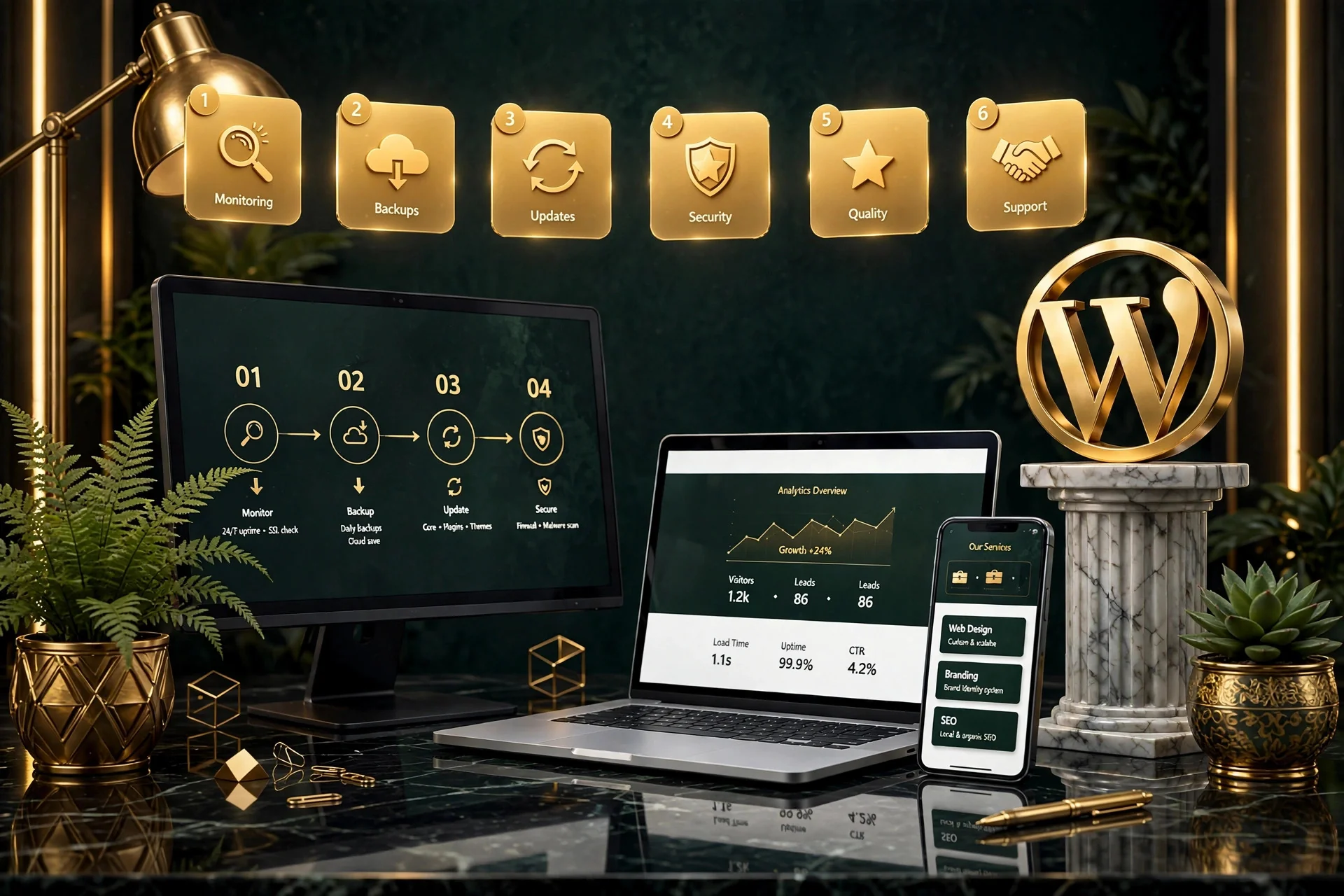
What Does WordPress Website Maintenance Include?
WordPress website maintenance usually includes the recurring technical work needed to keep a website updated, secure, functional, backed up, and performing properly. Depending on the website and support plan, maintenance covers every layer required to ensure uninterrupted stability.
What Is the Difference Between Website Maintenance and Website Management?
The terms are often used interchangeably, but I treat them differently to give clients clarity on scope, responsibility, and strategic support.
WordPress Maintenance (Technical Health)
Maintenance focuses primarily on keeping the website technically healthy. This includes WordPress core updates, plugin updates, theme compatibility, security monitoring, regular backups, and fixing technical errors when updates occur. It is the defensive foundation of your website.
WordPress Website Management (Site Evolution)
Management is broader and more collaborative. In addition to technical maintenance, management often includes content updates, creating new landing pages, improving layouts, advising on plugin selection, conversion improvements, and ongoing technical guidance as your business grows.
Who Needs Ongoing WordPress Website Management?
This service is particularly useful for businesses that depend on their website but do not have a full-time internal WordPress developer.
Small and Growing Businesses
Your website needs regular attention, but hiring an in-house web developer does not make financial sense. Ongoing management provides senior-level expertise without payroll overhead.
Busy Business Owners & Teams
You should not be spending valuable hours troubleshooting broken plugins, dealing with hosting dashboards, or trying to fix formatting errors after an update.
Lead-Generation & Service Websites
If your website generates inquiries, calls, or client bookings, downtime or broken forms immediately cost revenue and harm credibility.
WooCommerce & E-Commerce Stores
Online stores have payment gateways, product feeds, checkout flows, and database interactions that require meticulous compatibility testing with every single update.
Common WordPress Problems Ongoing Maintenance Can Help With
A neglected WordPress website can gradually become more difficult, fragile, and expensive to manage over time. Ongoing support prevents critical failures before they disrupt your customers.
Outdated WordPress Software
Unpatched core, plugins, or themes are the leading entry points for automated bots and security exploits.
Plugin Conflicts & PHP Errors
Updates that clash with your theme or hosting environment can cause white screens, fatal errors, or broken site features.
Broken Contact Forms
Forms that stop delivering submissions without throwing an obvious error, quietly leaking valuable leads.
Corrupted or Missing Backups
Discovering that hosting backups were never configured properly only after a server disaster occurs.
Slow Loading & Database Bloat
Accumulated revisions, orphaned plugin tables, and unoptimized queries steadily dragging down site speed.
Design & Layout Glitches
Unexpected formatting breaks or CSS overrides introduced by uncontrolled automated updates.
What Can I Manage on Your WordPress Website?
The exact scope depends on your website and support arrangement, but ongoing management can cover every essential operational tier.
WordPress Core Updates
Keeping WordPress itself current while monitoring compatibility with the rest of your site’s ecosystem.
Plugin & Theme Updates
Reviewing, testing, and applying updates safely so enhancements do not break active functionality.
Scheduled Cloud Backups
Maintaining secure, offsite backups before any updates so your site can always be restored immediately.
Security & Uptime Monitoring
Watching site availability 24/7 and receiving instant alerts if downtime or malicious activity occurs.
Content & Visual Edits
Publishing blog posts, updating staff profiles, swapping images, and refining page layouts as needed.
Technical Troubleshooting
Investigating unexplained bugs, console warnings, hosting issues, and third-party API disconnects.
How Often Should WordPress Plugins and Themes Be Updated?
There is no single schedule that is ideal for every WordPress website. Updates should generally be reviewed regularly, but that does not mean every update should be installed the minute it appears. Critical security patches should be applied promptly, while major feature updates benefit from compatibility testing on a staging environment first.
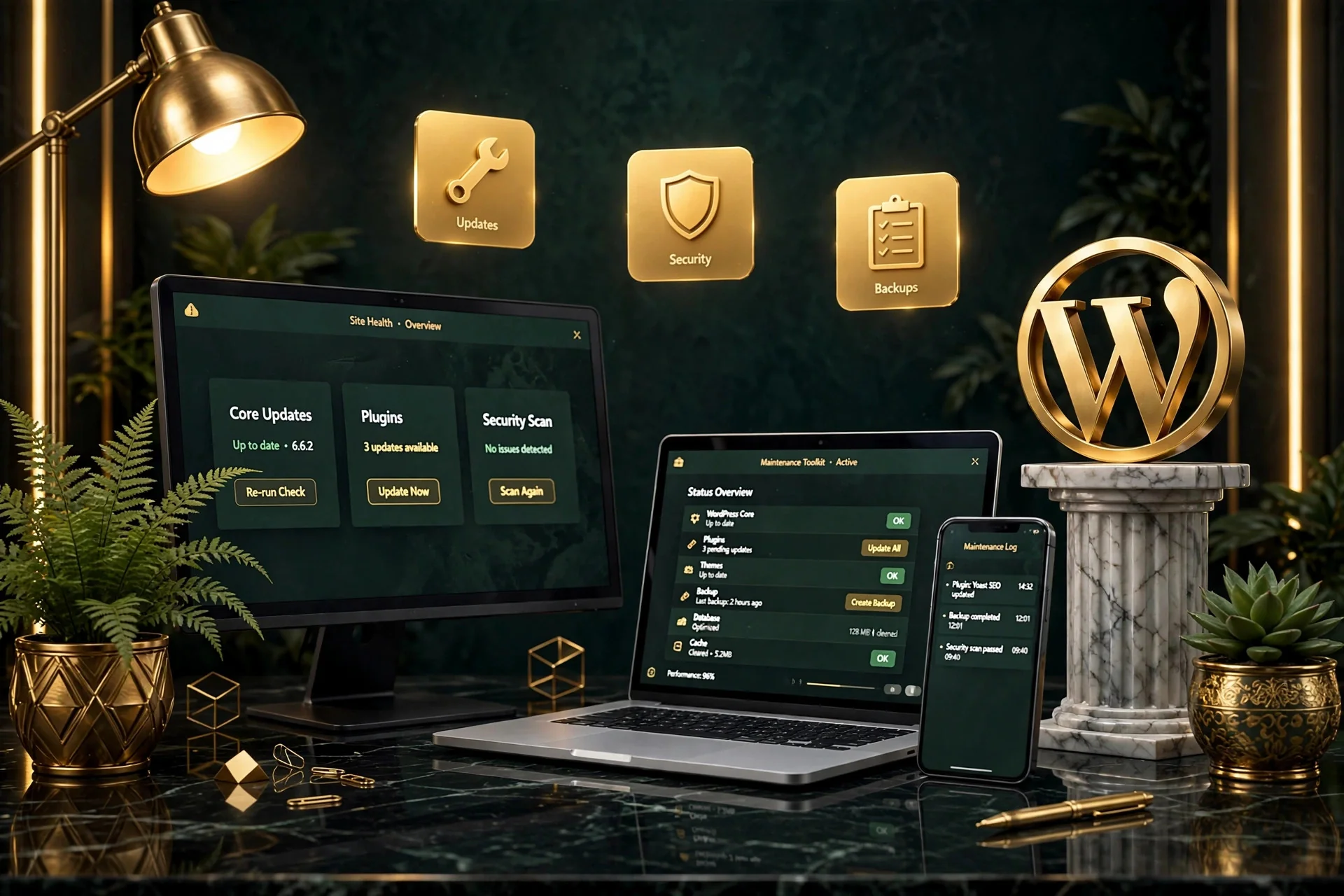
What Happens If You Do Not Maintain a WordPress Website?
A WordPress website may continue working for some time without visible maintenance, but technical risk tends to increase steadily as software ages.
Elevated Security Exposure
Outdated plugins and unpatched themes remain the single most common vulnerability target for malicious scripts and brute force attacks.
Compound Update Failures
Leaving a site un-updated for 12 months often turns routine updates into complex, risky multi-version migrations that break dependencies.
Degraded User Experience
Accumulated console errors, broken JavaScript, and slow checkout flows cause visitors to abandon your site for competitors.
Lost Inquiries & Revenue
Unmonitored downtime and failing notification emails directly impact your pipeline, often going unnoticed for days or weeks.
Does My Business Need Monthly WordPress Maintenance?
Not every WordPress website requires weekly development hours, but most active business websites benefit from a reliable monthly cadence.
Active Lead-Generation Sites
Websites where prospective clients discover your brand, review services, and submit contact inquiries need guaranteed uptime and functioning forms.
E-Commerce & Online Stores
Stores processing daily orders where any cart issue or checkout glitch immediately hurts revenue and customer trust.
Content-Rich Platforms
Websites regularly adding new resources, blog articles, case studies, or team members that need visual and technical consistency.
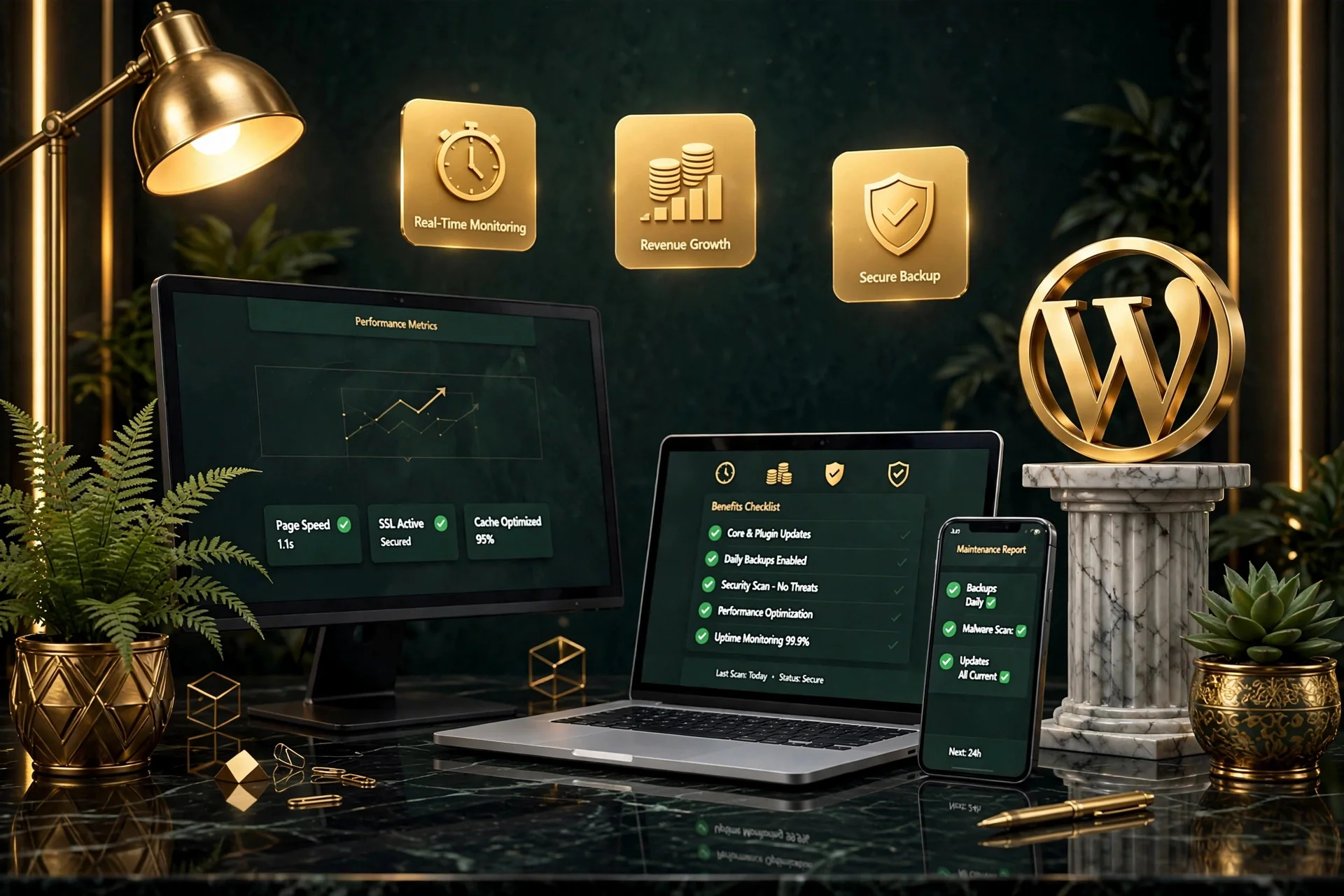
Is Monthly WordPress Maintenance Worth the Cost?
For businesses that depend on their website, professional maintenance can be valuable because it shifts website responsibility away from the business owner or marketing team and toward someone who understands WordPress. The value is not only in the minutes required to perform updates. You are paying for risk prevention, rapid incident recovery, and guaranteed developer availability.
How Much Does WordPress Website Maintenance Cost?
WordPress maintenance pricing varies depending on the complexity of the website and the level of responsibility required. A clear scope ensures you only pay for what your site actually needs.
Brochure & Standard Sites
A simple brochure website that needs occasional updates and basic monitoring requires a modest monthly budget to ensure stability.
Dynamic Business Portals
Websites requiring regular content updates, custom post types, CRM integrations, and active landing page creation.
WooCommerce & E-Commerce
Large stores with dozens of active extensions, payment gateways, and high transaction volume demand intensive staging workflows.
How Ongoing WordPress Management Works
A disciplined, three-stage workflow that establishes baseline stability before ongoing management begins.
1. Website Health Review
Before taking responsibility for an existing WordPress website, I review its current health, active plugins, theme code, hosting performance, and error logs.
2. Maintenance Setup
Once the review is complete, I establish offsite automated backups, uptime monitoring, and a staging environment if the website requires one.
3. Ongoing Management
From that point forward, the website is managed according to our agreed scope, with safe updates, proactive checks, and direct support.
Can You Maintain a WordPress Website You Did Not Build?
Yes. A significant part of WordPress maintenance and website management involves taking over websites built by previous developers, agencies, or internal staff. Before making significant changes, I thoroughly review the active theme, page builder (Elementor, Block Editor), active plugins, custom code snippets, and hosting server setup to ensure safe ongoing management.
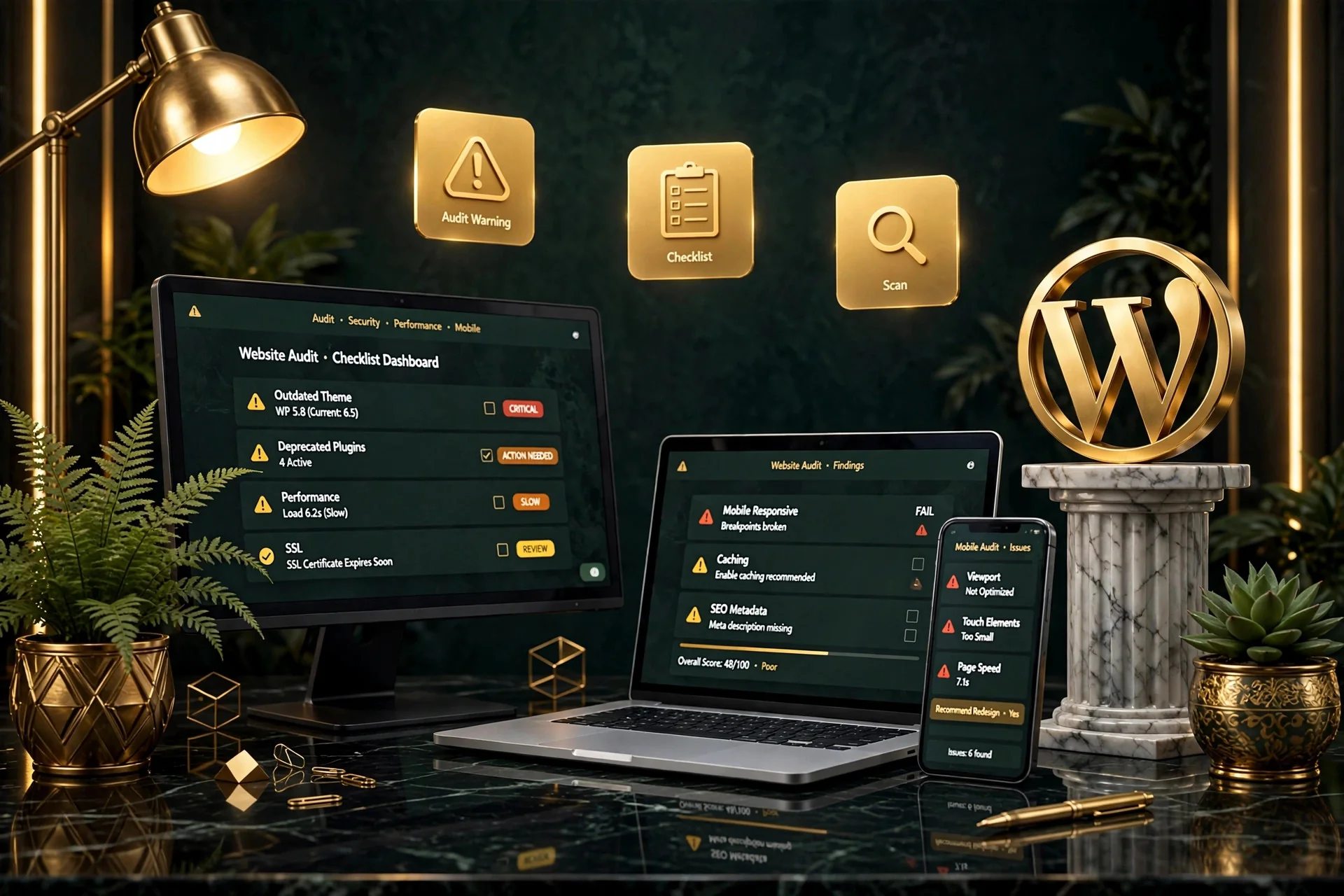
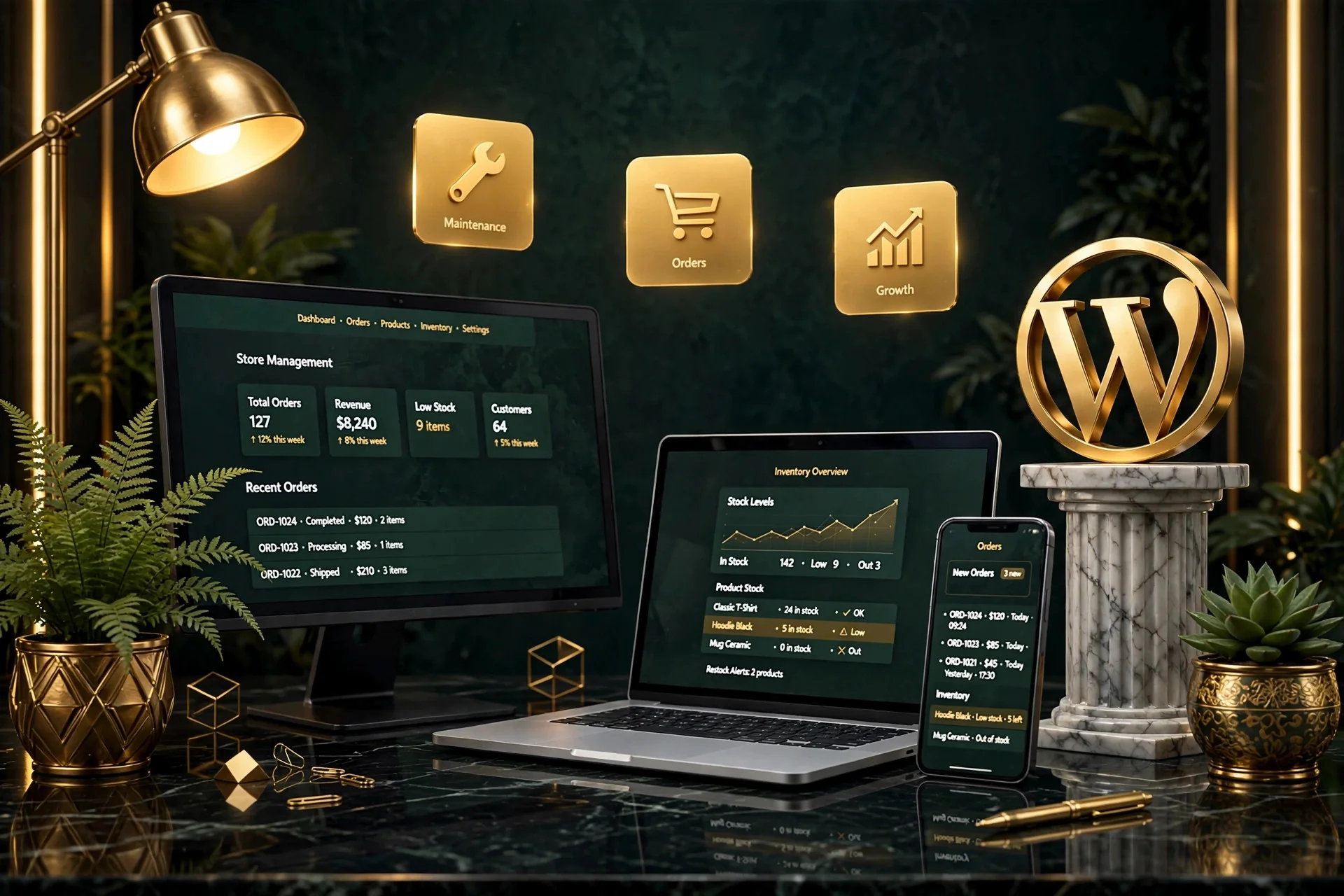
Does WooCommerce Need Additional Maintenance?
WooCommerce websites usually require more attention than simple informational WordPress websites because ecommerce adds additional moving parts: payment gateways, inventory sync, checkout flows, and customer accounts. I test checkout processes and extensions thoroughly to ensure transactions remain frictionless.
Can Maintenance Help Keep a WordPress Website Fast?
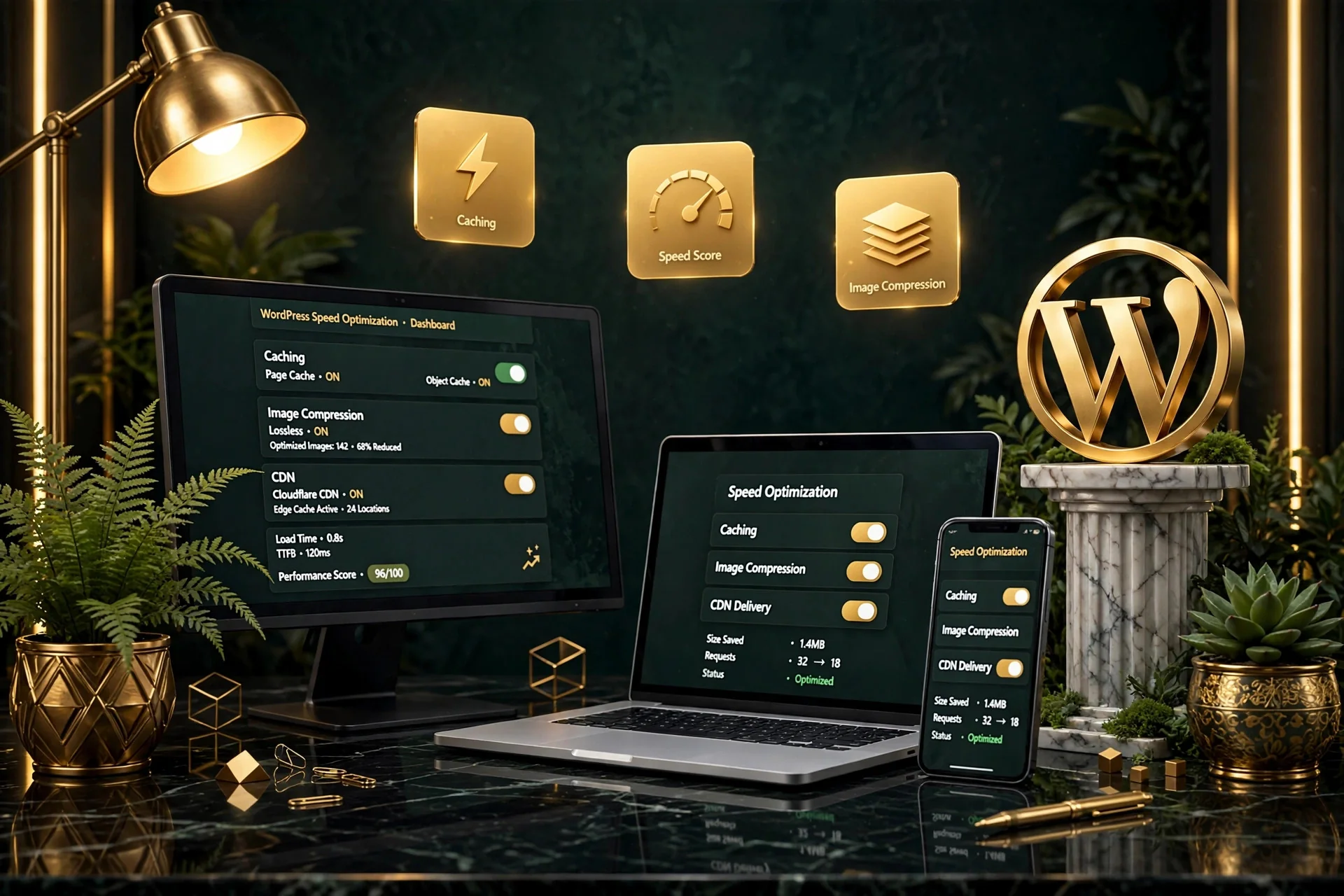
Yes, although routine maintenance and dedicated speed optimization are not exactly the same service. Regular website management helps prevent avoidable performance problems by addressing unoptimized images, redundant plugins, database table overhead, and broken caching rules before they slow down your visitors.
Does WordPress Maintenance Affect SEO?
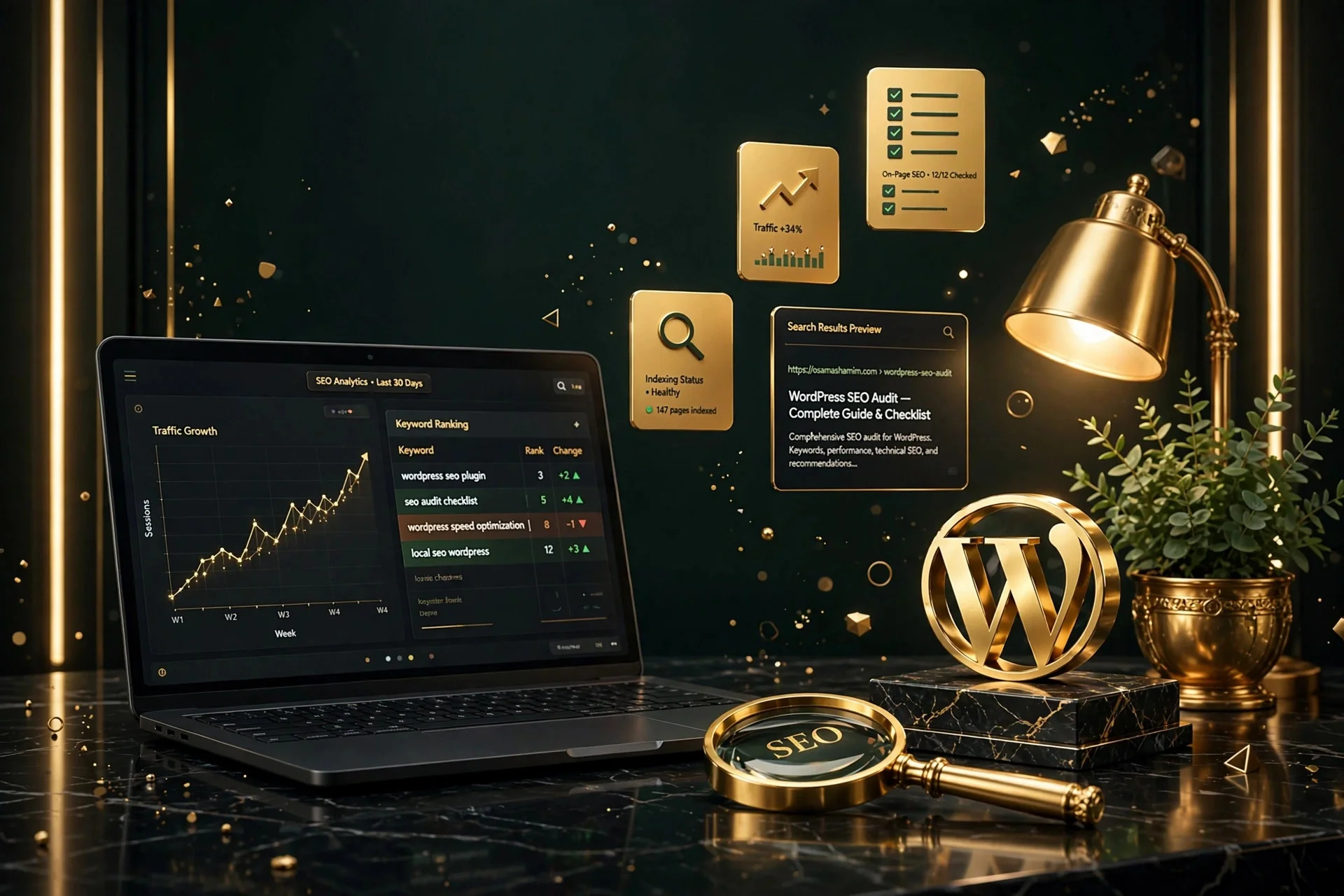
Maintenance itself does not replace SEO, but technical website health can influence search performance. Search engines favor websites that are fast, accessible, secure, and free of crawl errors. Ongoing management ensures 404 broken links, mobile viewport issues, and SSL expirations never compromise your organic visibility.
Should My Website Designer Also Maintain My Website?
There can be significant advantages to keeping the same specialist involved after launch rather than searching for new support for every request.
Architectural Familiarity
The person who built or redesigned the website already understands its structure, templates, custom styling, and technical dependencies.
Design Integrity
Ongoing page additions and banner changes retain the exact visual quality, spacing, and typography of the original brand identity.
Faster Turnaround
Zero time lost explaining your business goals or troubleshooting third-party hosting credentials from scratch.
How Do I Choose a WordPress Maintenance Provider?
Look beyond the number of tasks shown in a maintenance package. A strong provider should demonstrate proven capability across these core areas:
Relevant WordPress Experience
Demonstrated background working with WordPress core, themes, Elementor, custom post types, and WooCommerce.
Reliable Backup Protocol
Independent offsite backups taken before any update, with a tested restore process in place.
Clear Communication
Direct access to the specialist doing the work, with responsive turnaround times and transparent reporting.
Staging Workflow
A safe staging or local environment where risky updates are tested before touching live customer traffic.
Broader Problem-Solving
Ability to handle hosting questions, domain DNS changes, form troubleshooting, and layout adjustments.
Transparent Pricing
Clear, straightforward monthly scope with no hidden fees or unexpected billing surprises.
Why Choose Osama Shamim for WordPress Website Management?
Website management is one of the strongest areas of my professional work, grounded in direct communication and proven reliability.
7+ Years Dedicated Experience
Extensive experience across WordPress development, maintenance, and website redesign for international businesses.
Long-Term Continuity
Clients continue working with me because they appreciate having one reliable specialist who understands their site completely.
Proactive Rather Than Reactive
I do not wait for things to break. I identify potential conflicts, maintain backups, and keep your website running smoothly.
WordPress Website Management Case Studies
Examples of recurring management relationships that delivered reliability, speed, and peace of mind.
US B2B Consulting Platform
Ongoing maintenance and monthly page management for over 2 years. Zero downtime incidents, automated weekly offsite backups, and fast 24-hour turnaround on all content requests.
High-Traffic E-Commerce Store
Managed critical WooCommerce updates, payment gateway synchronization, database table cleanup, and checkout monitoring with 99.99% availability.
Professional Healthcare Practice
Maintained HIPAA-compliant booking forms, Elementor page updates, and regular speed maintenance across desktop and mobile devices.
What Clients Say About My Ongoing Website Support
Honest feedback from long-term clients who rely on my monthly website management and technical support.
★★★★★ Exceptional Long-Term Support
“Osama has been managing our WordPress site for over a year. He is proactive, highly responsive, and handles everything from updates to page additions with great skill.” — Verified Client, US B2B Partner
★★★★★ Total Peace of Mind
“Having a dedicated WordPress expert on call has saved our team countless hours. Updates happen smoothly, backups are solid, and communication is always prompt.” — Managing Director, Marketing Agency
★★★★★ Reliable and Professional
“The best experience I have had with a WordPress specialist. He knows Elementor and WooCommerce inside and out, and treats our site with meticulous care.” — Founder, E-Commerce Brand
Frequently Asked Questions About WordPress Maintenance
Everything you need to know about support scope, update cadences, backups, and emergency support.
Stop Treating Every Website Change Like a New Project
Your business should not need to search for a new freelancer every time a plugin breaks, a page needs updating, or technical issues arise. Let me manage your website so you can focus on your business.
Flexible monthly agreements • No long-term lock-in • Fast onboarding